Money, kept together.
A money tracker for a household: two phones, one set of numbers. You type it or scan the receipt. No bank logins, ever.
Coming to the App Store iPhone first. Free.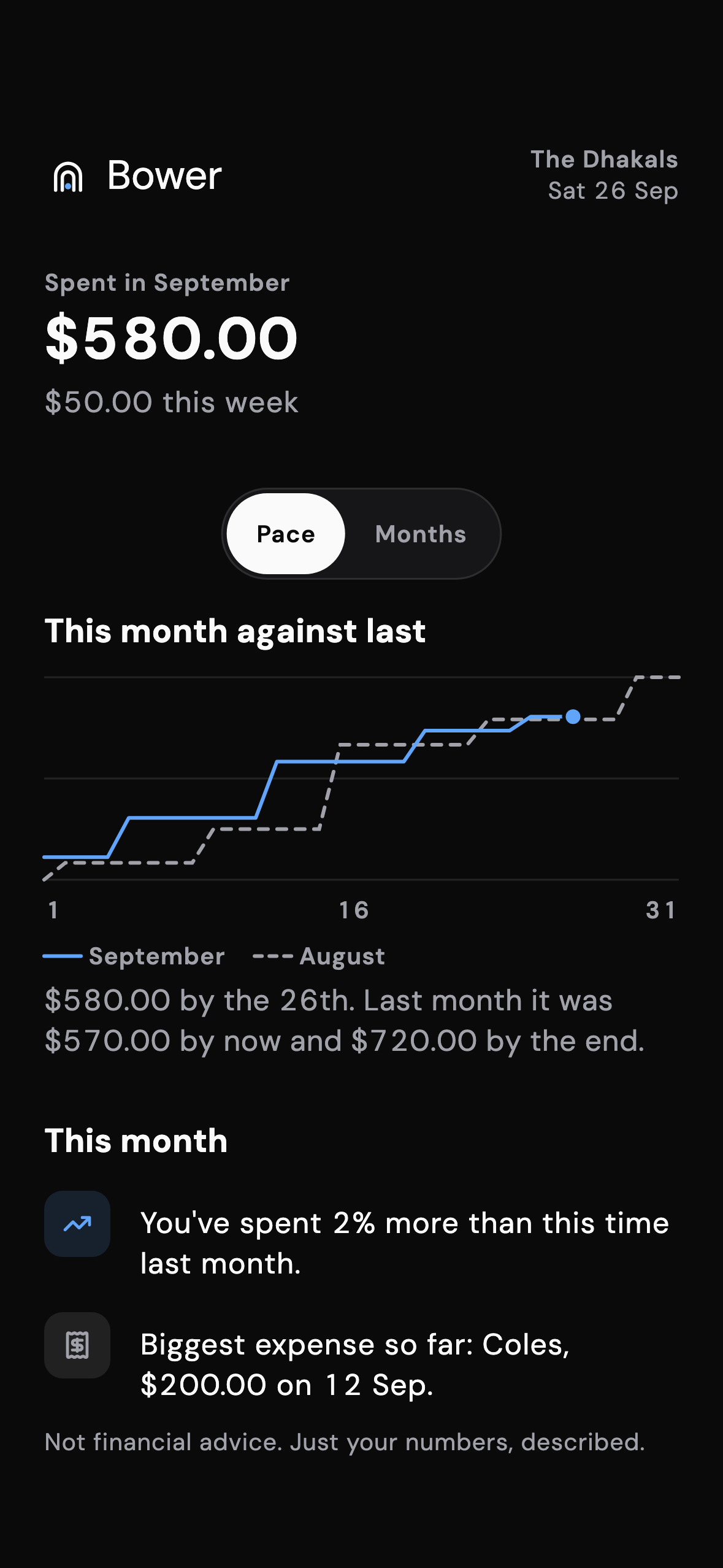
Five seconds at the shop, the whole picture at home
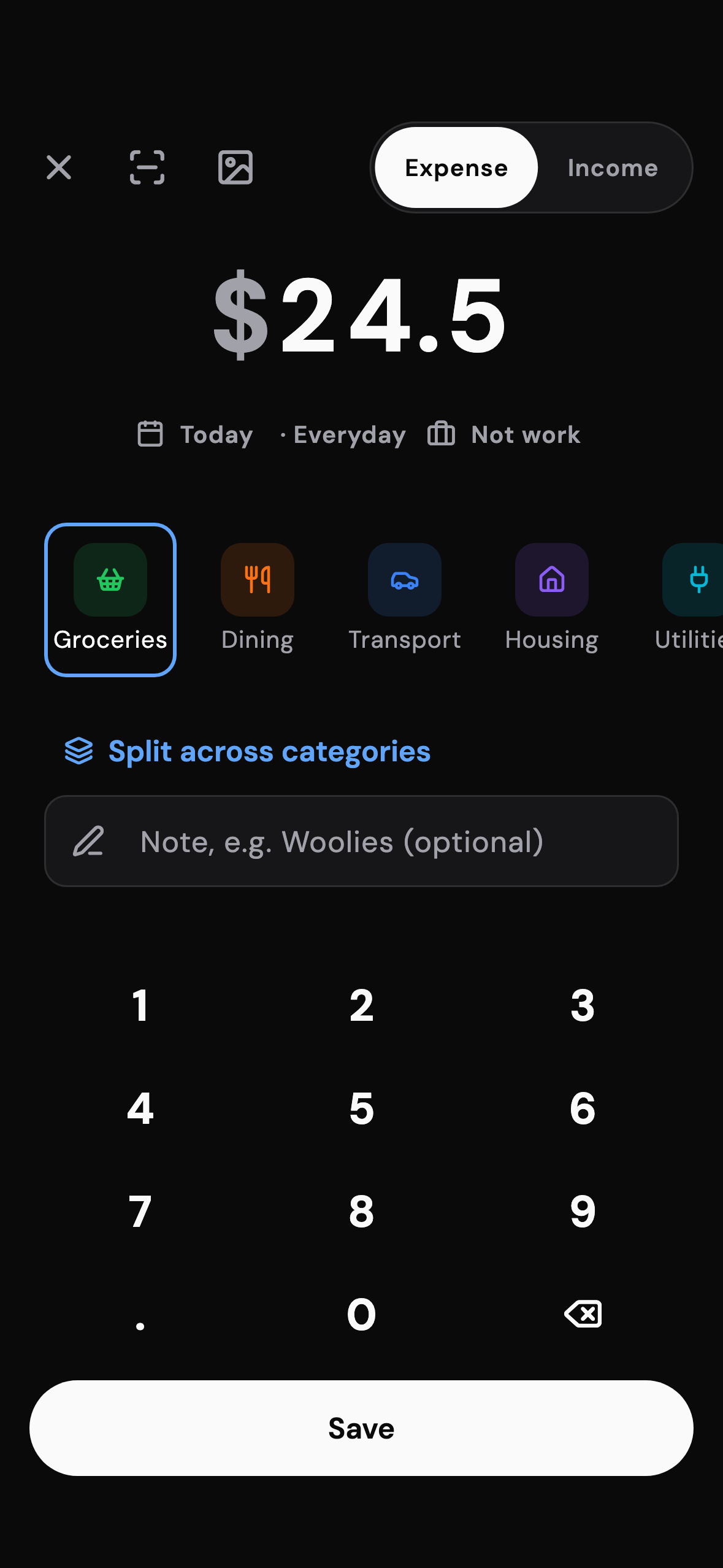
Add a spend with the keypad, a receipt scan on your phone, or a word to Siri. Your partner sees it before you are out the door.
Quick add
Amount first, a category suggestion from what you called it last time, and a receipt scanner that reads the total on the phone.
Home that answers
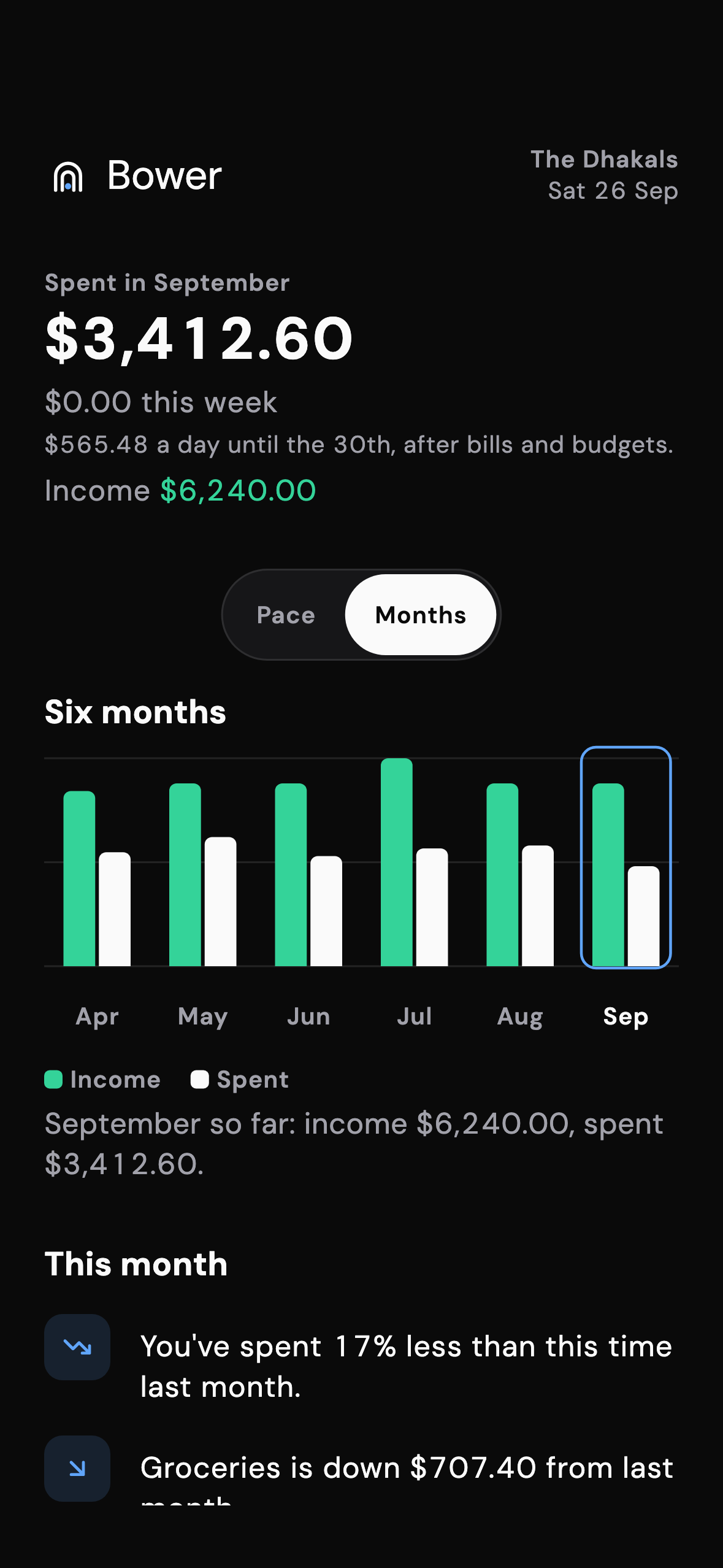
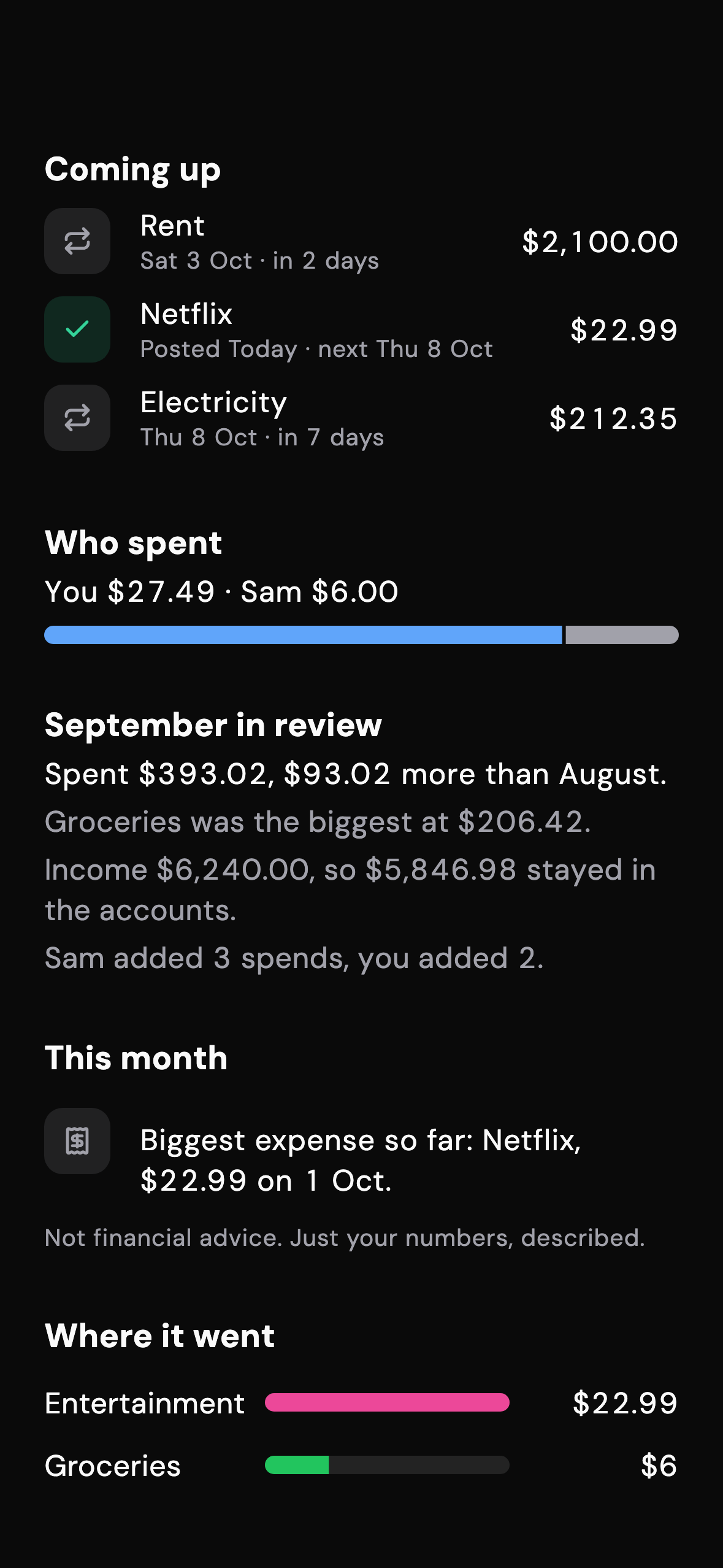
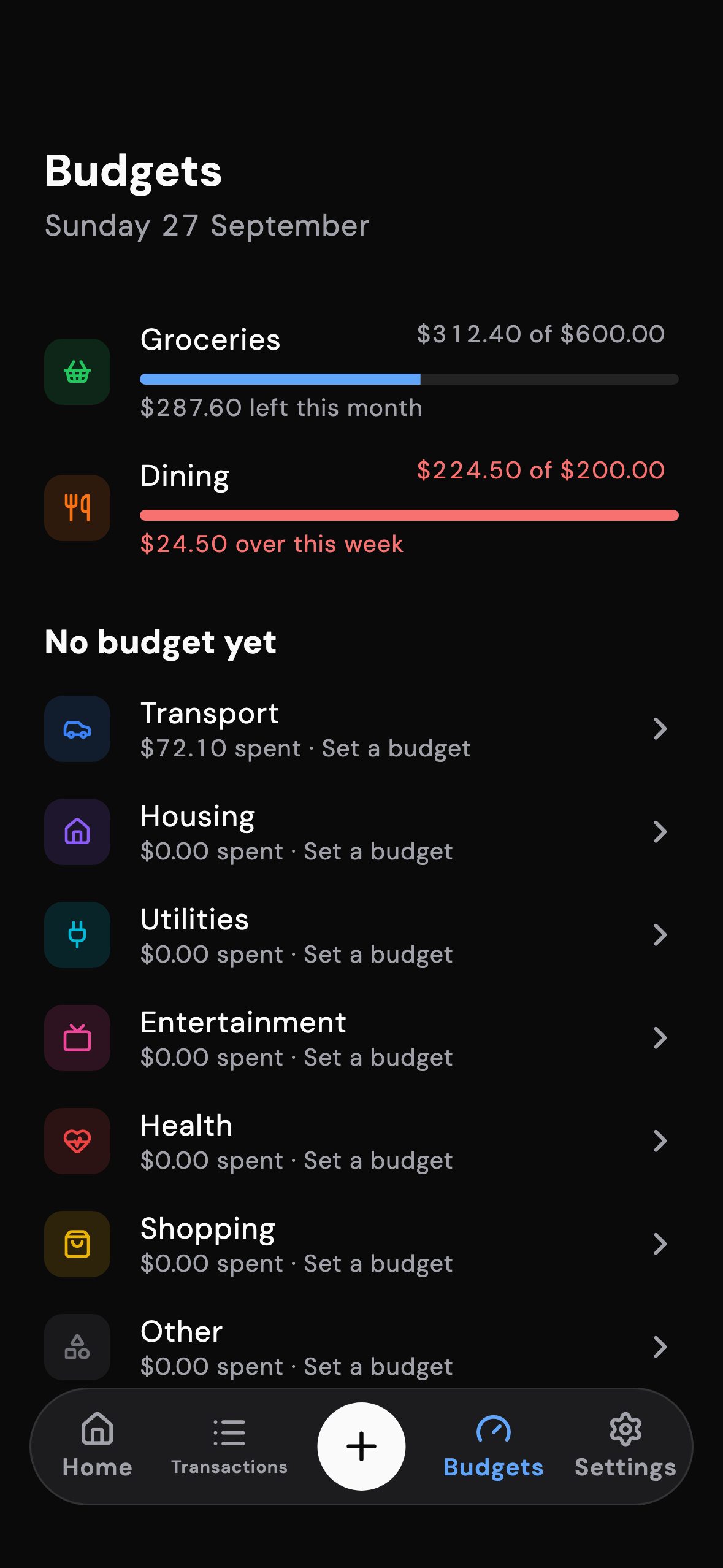
What did we spend, how does this month run against last, what is coming up, who spent what. Described, never prescribed.
Budgets and bills
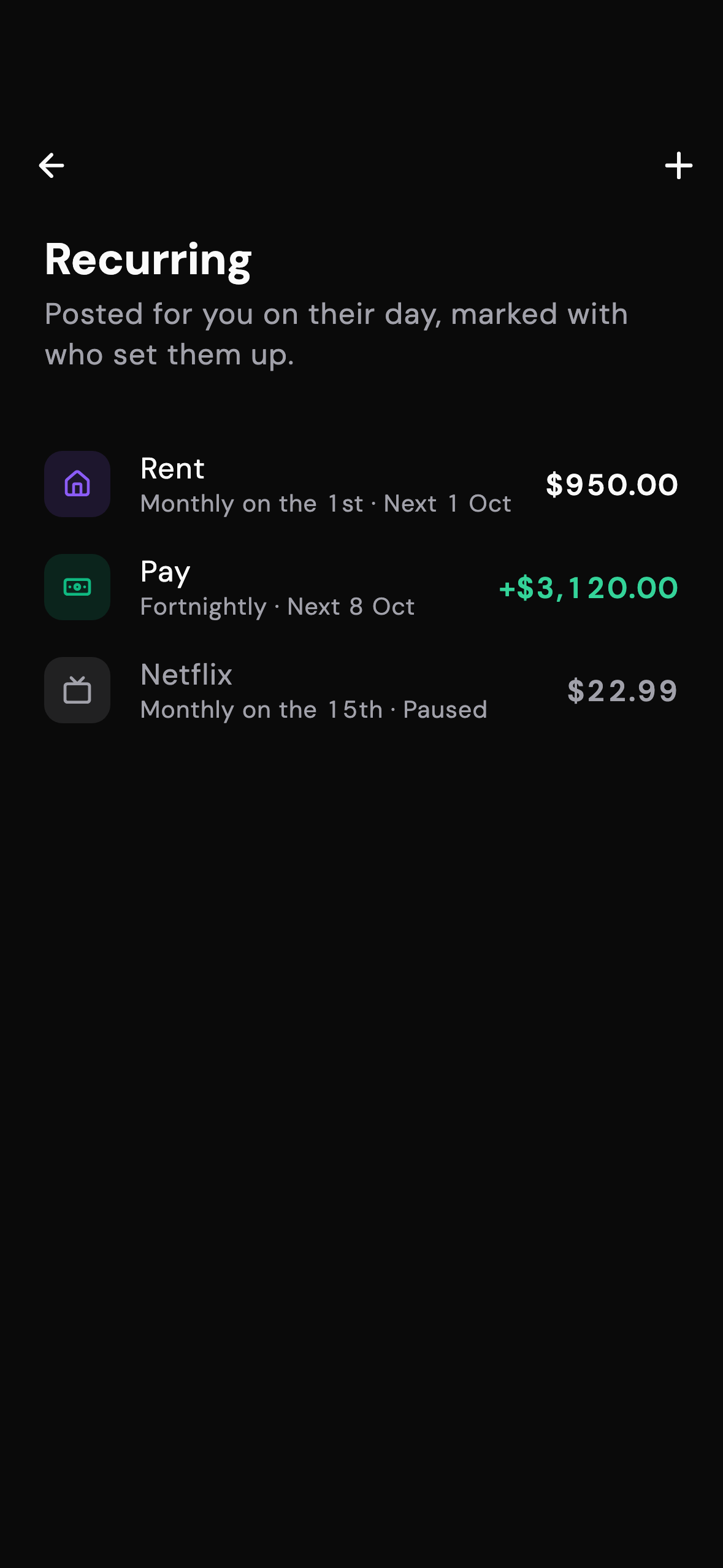
Budgets that reset weekly, fortnightly or monthly, and bills that post themselves on the day with a tick when they have.
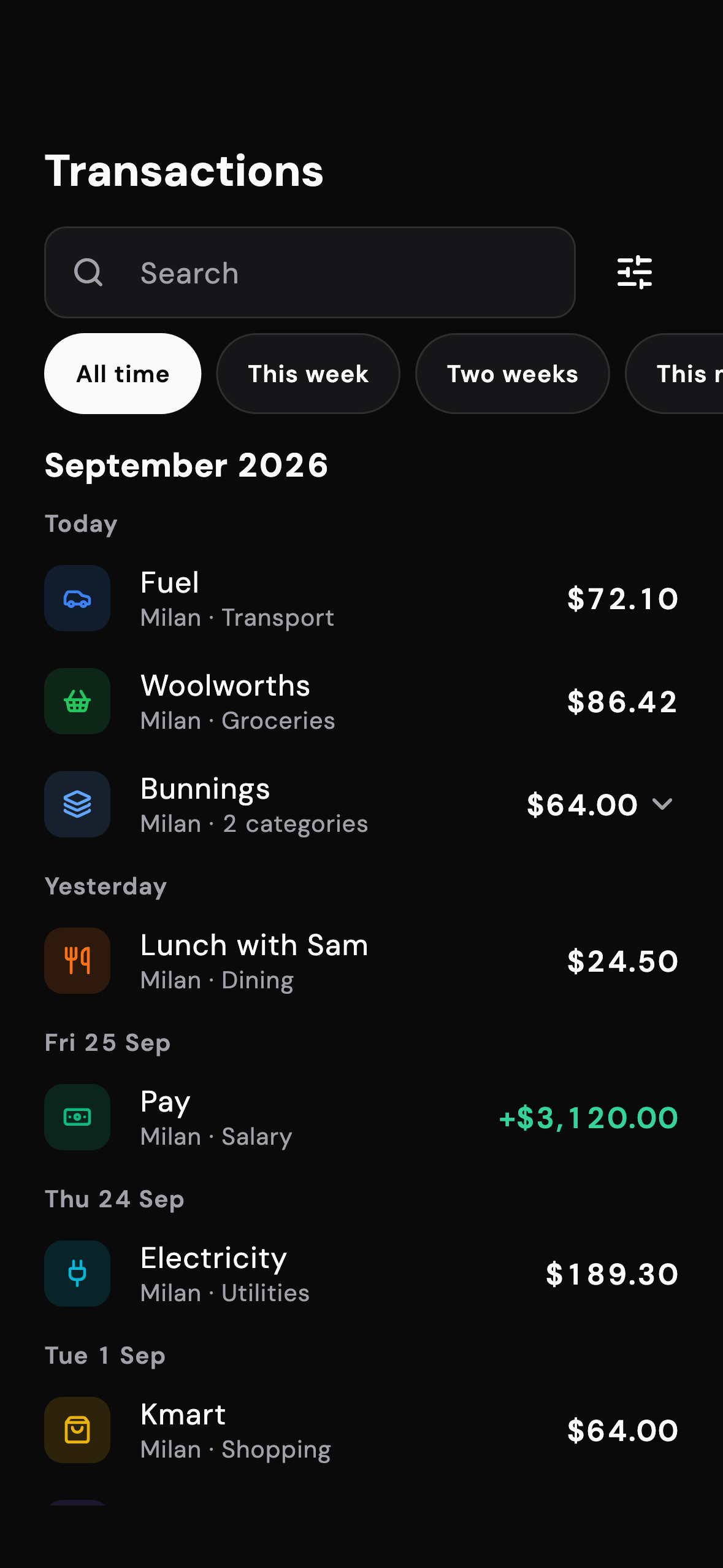
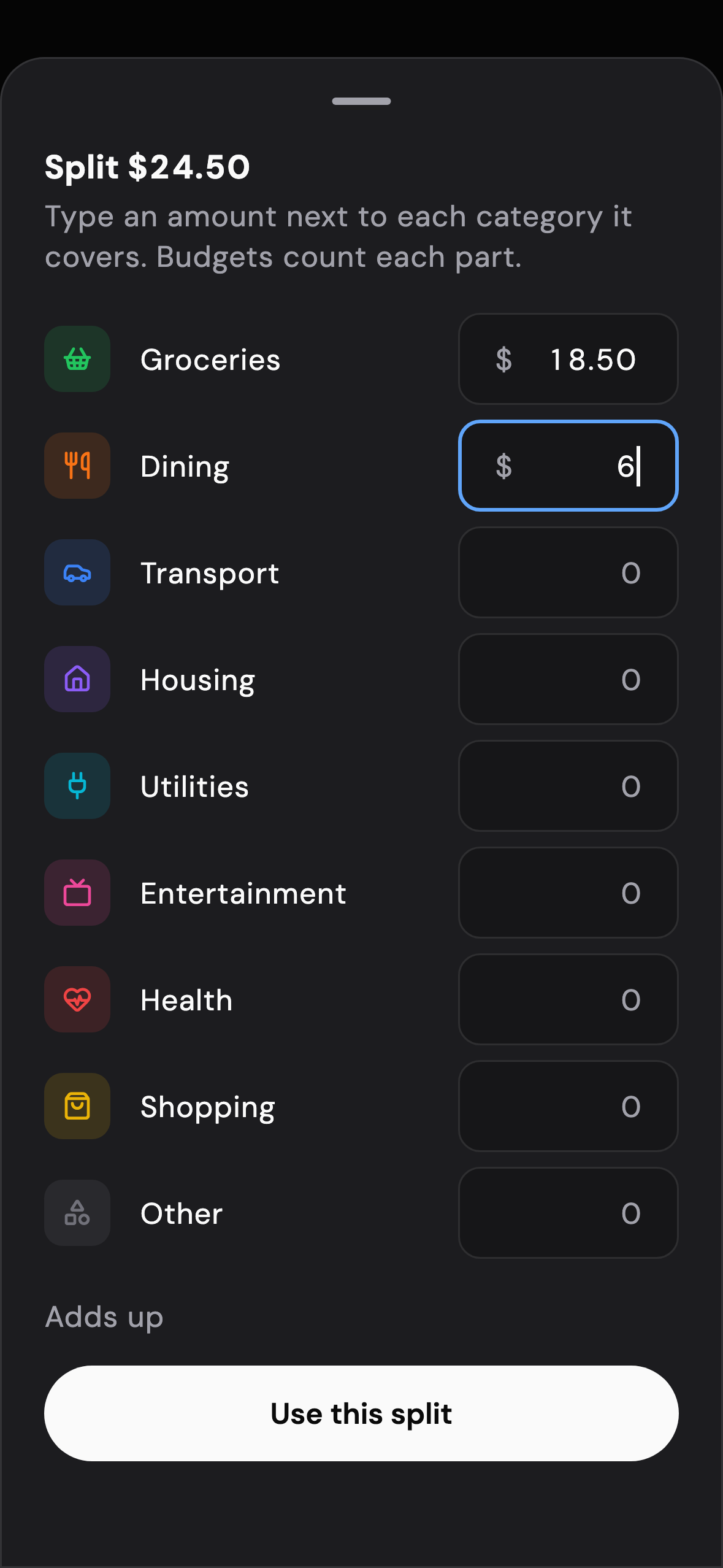
Every screen, as it is in the app
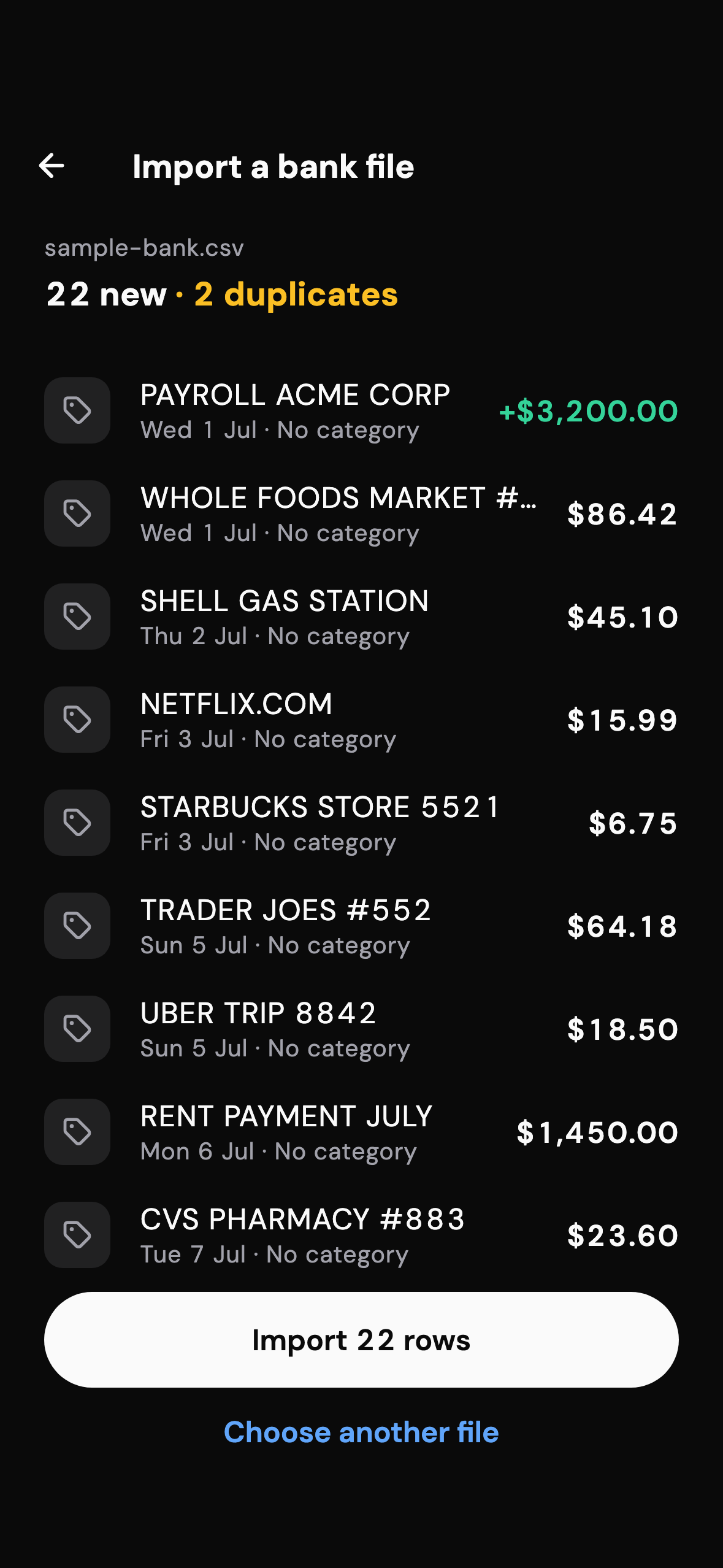
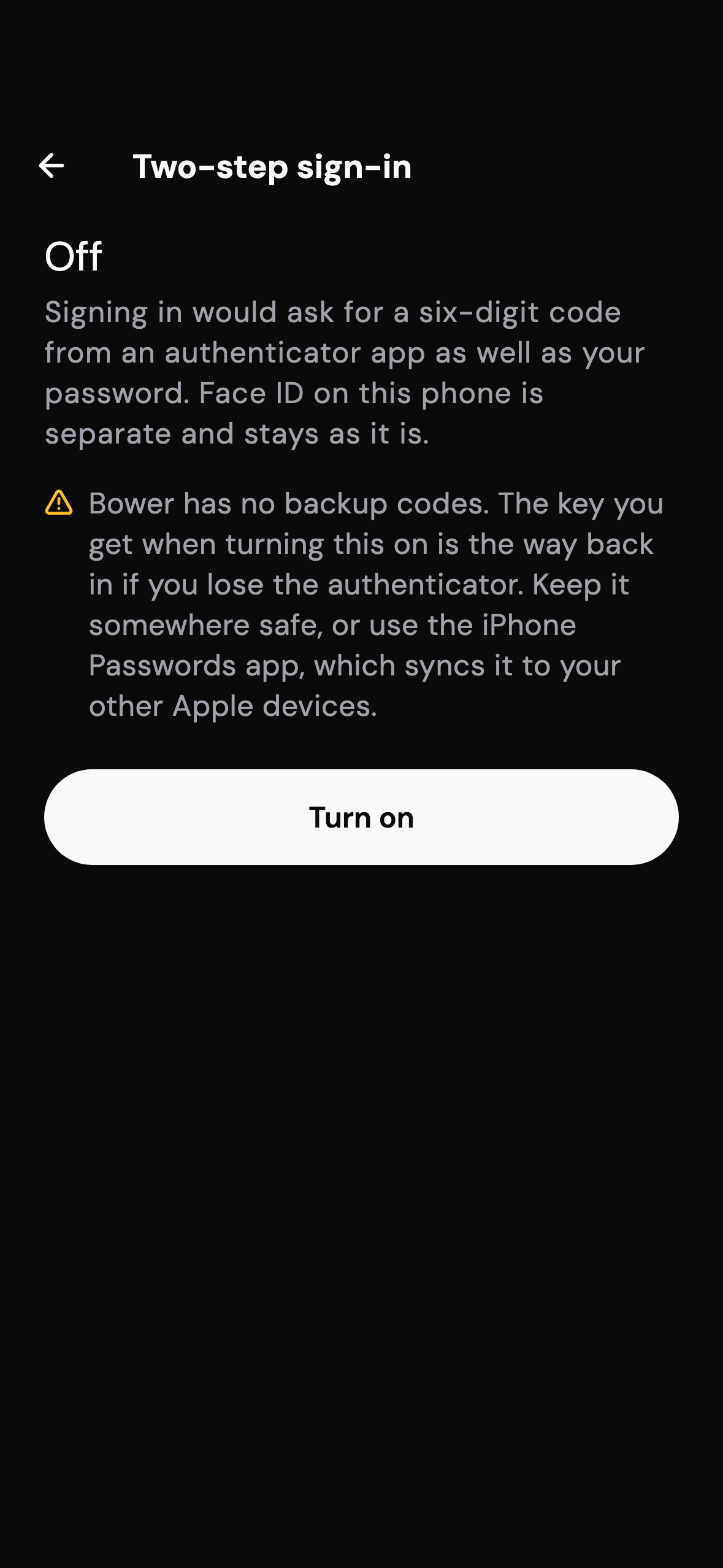
These are the app's own screens, rendered by the app's code. Dark and light follow your phone.
Private by design
Bower is manual on purpose. The trade is a few seconds of typing for never handing a bank password to anyone.
- No bank connections. Nothing to connect, nothing to leak.
- Only your household sees your numbers. Enforced in the database, not just the app.
- Two-step sign-in and Face ID. With two-step on, the database refuses every request until the code has been entered.
- Receipts stay on your phone until you attach one. Scanning reads the receipt on the device.
- Export everything, any time. CSV of every transaction, a full backup as JSON.
- Delete your account from the app. Immediate, and it takes your data with it.